Syncing your e-commerce with your business ERP
Orders, stock, prices and customers aligned between your online store and your ERP: how to set up reliable syncing, without errors or double data entry.
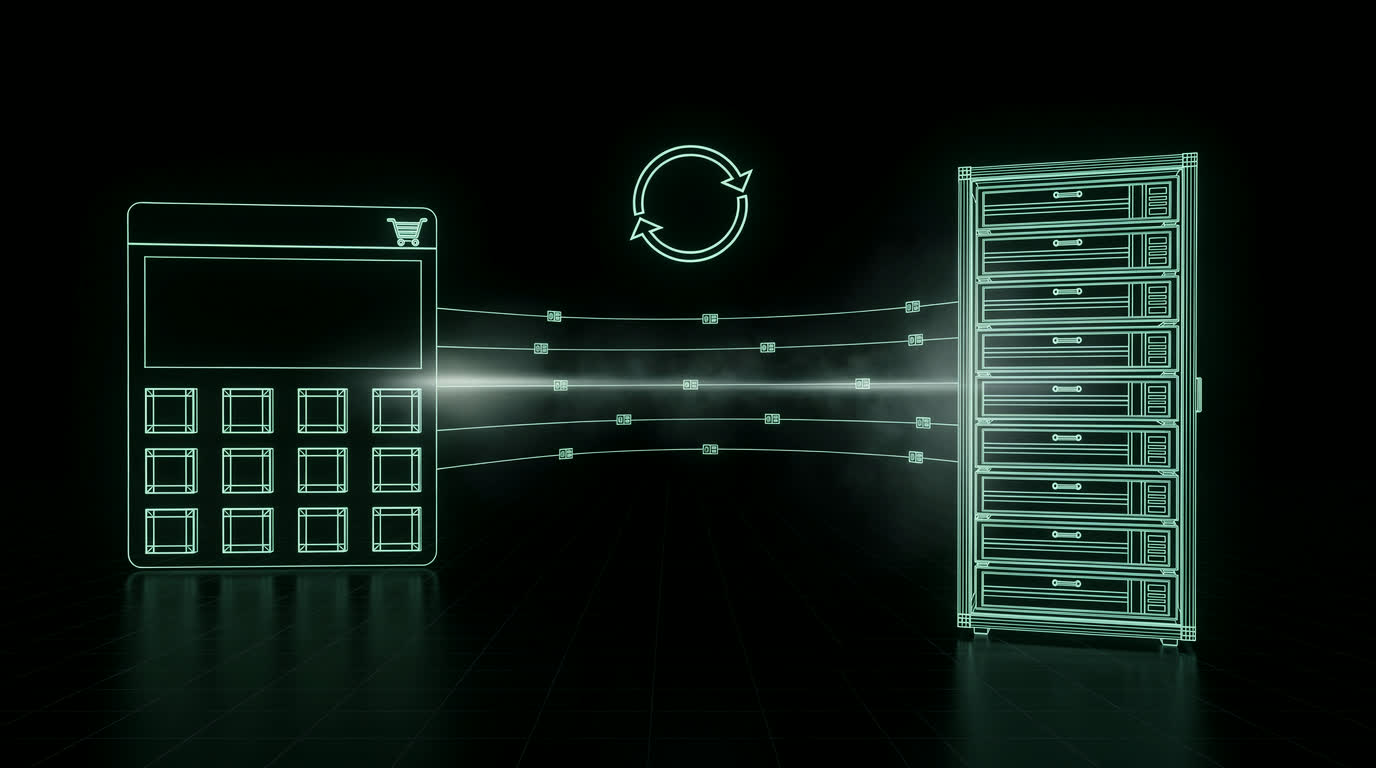
Many companies run their online store and their business ERP as two separate islands: orders are retyped by hand, stock levels never quite match and every price change has to be made twice. While volumes are low you can get by, but every step of growth brings more errors, delays and lost hours. Well-designed syncing turns the e-commerce store into a natural extension of the company's processes, instead of one more job to do.
Why connect your e-commerce and your ERP
The cost of manual work does not show up on the balance sheet, but it adds up. Every retyped order is a chance to get an address, a code or an amount wrong; every stock level updated late can turn into overselling, selling a product that is no longer in the warehouse. The result is late shipments, refunds, bad reviews and a customer service team that spends its days chasing problems instead of selling.
With a reliable integration, data moves between systems automatically: the warehouse knows straight away what to ship, accounting already has everything it needs for invoicing and the store always shows correct availability and prices.
Which data should flow between them
Not all data needs to be synced the same way, but in almost every project the main flows are these:
- ▸Product data: codes, descriptions, variants, EAN, weights and dimensions
- ▸Stock levels, including multiple warehouses or stores
- ▸Prices and price lists: retail, B2B resellers, time-limited promotions
- ▸Orders from the store to the ERP, with status and tracking flowing back
- ▸Customers and billing details: VAT number, tax code, e-invoicing recipient details
- ▸Documents: delivery notes, invoices and credit notes linked to the order
Who is in charge: one source of truth per data type
The golden rule is to decide, for each piece of information, which system is the master. Usually the ERP owns products, prices and stock, while the e-commerce store is the source for orders and new customers. When the same field can be edited on both sides, conflicts appear: a price corrected in the ERP gets overwritten by the old one from the store, or the other way round. A clear data flow map, written before touching any code, prevents most of these problems.
How the two systems connect
There is no one-size-fits-all solution: the right approach depends on the ERP, the platform and the volumes. The four most common options are:
- ▸Ready-made connectors: plugins or modules for WooCommerce and PrestaShop that talk to the most popular ERPs. Quick to set up, but often rigid on edge cases
- ▸API integration: the store's REST API talks to the ERP's web services. The most flexible and precise solution
- ▸File exchange: scheduled CSV or XML exports, useful with older ERPs that offer no API
- ▸Middleware: an intermediate layer that connects the ERP, the store, marketplaces such as Amazon and other channels from a single point
Real time or scheduled?
You do not need to sync everything in real time. Orders should be sent immediately, stock every few minutes or on every movement, while the catalog can be updated once a day, overnight. The trade-off is between data freshness and the load on the ERP, which is often not built to handle thousands of requests. During sales peaks such as Black Friday, a small safety stock on the quantities shown online protects you from orders on products that have just sold out.
The most common mistakes
- ▸Different product codes in the store and the ERP, making it impossible to match items
- ▸Variants such as size and color handled in one system but not in the other
- ▸VAT and rounding differences that leave totals a few cents apart
- ▸Syncs that fail silently, with no logs or alerts
- ▸Testing directly on the live store instead of a staging environment
E-invoicing and tax data
In Italy, an online order must reach the ERP with everything needed for electronic invoicing: VAT number and recipient code or certified email for business customers, at least the tax code for private customers who need an invoice. Rules differ from country to country, but the principle is the same: if the checkout does not collect the right data in the right format, accounting has to chase the customer after the purchase. It pays to define these fields together with your accountant and with the people who use the ERP every day, so the integration truly reflects how the company works.
How I set up an integration
Before choosing a tool, I start with an analysis of the real processes: who enters what, where errors come from, what data the warehouse, accounting and sales teams need. From there I build a path in a few steps:
- ▸Mapping of data flows and fields, with a source of truth for each one
- ▸Choosing the best fit among connector, API, files or middleware
- ▸Testing on a staging environment with real data, before going live
- ▸Monitoring with logs and alerts, to spot any anomaly straight away
The result is an e-commerce store that works together with the rest of the business: less manual entry, fewer errors and more time to spend growing sales.
Do your e-commerce store and your ERP really talk to each other?
Contact me →